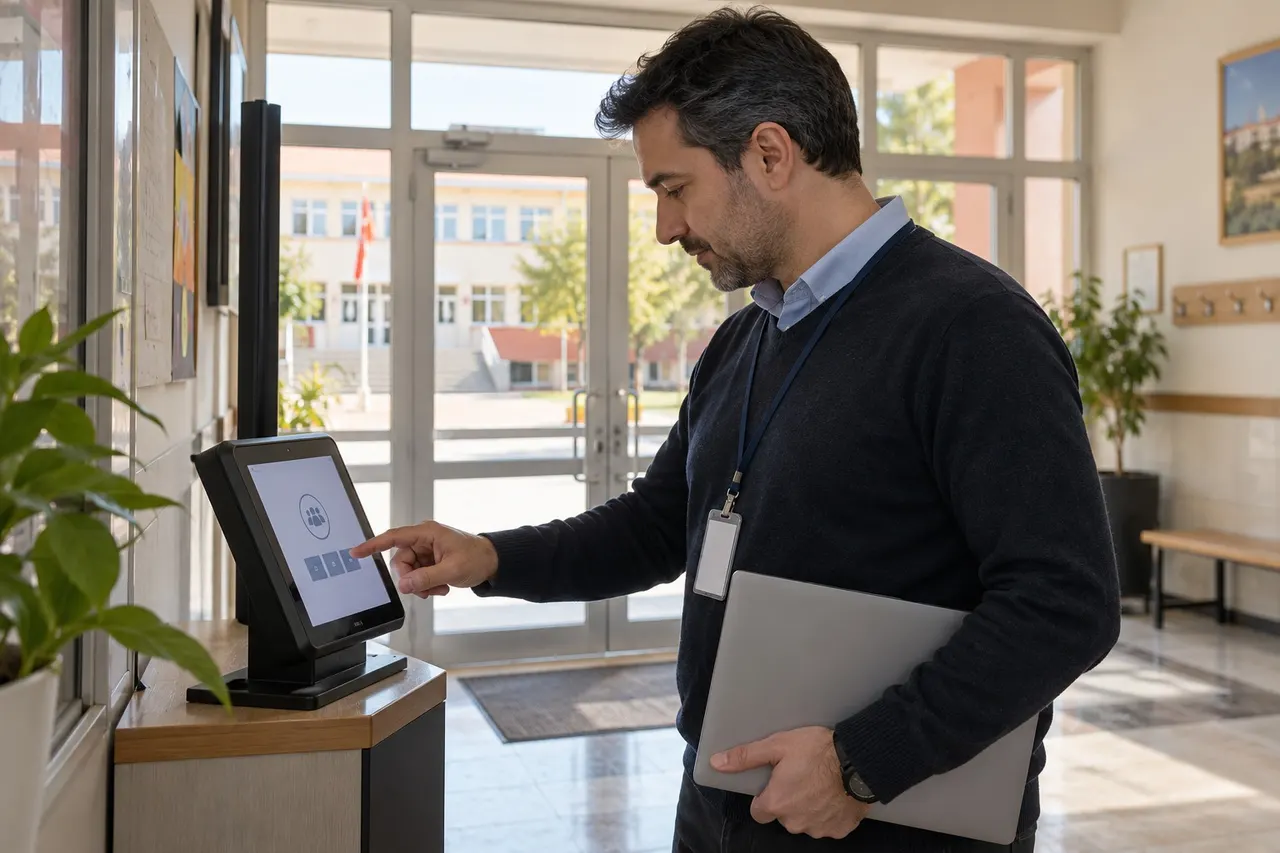
An attendance tablet should have a defined purpose and management process. Keeping one application visible does not, by itself, secure the administrator panel or the entire device.
A shared entrance tablet should not also serve as someone's personal email or messaging device. Ordinary notifications may expose unrelated information to people waiting at the entrance.
Distinguish screen pinning from device management
Android screen pinning can keep an app in view. Its name and procedure vary by version and manufacturer, so follow the official guidance for the actual device.
Screen pinning is not the same scope as enterprise kiosk policies, remote management or complete access control. If the institution needs stronger controls, agree an appropriate solution with its technical team.
Define ownership and access
- Who opens and checks the tablet each day?
- Who may exit the attendance application?
- What appears after a restart?
- Who handles updates and connectivity issues?
- How are unnecessary accounts and notifications managed?
Sharing the administrator password with everyone is not an appropriate substitute for a clear process. Separate reception duties from permission to change system settings.
Test the actual device
- Check the starting screen.
- Review accidental navigation away from the app.
- Test screen sleep and restart behaviour.
- Check notification visibility.
- Verify the authorised maintenance route.
Perform these checks on the institution's own device with its technical team. A successful test is not a guarantee that the device cannot be bypassed under any circumstances.
Clarify the installation scope
Face recognition software and operating-system management can be separate services. Ask BE Soft to demonstrate both ordinary attendance and device recovery behaviour. Do not assume every installation includes remote kiosk management.
Common questions
Does app pinning provide complete security?
No. Application visibility, administrator access and device management need separate review.
Will settings survive every restart?
That depends on the device and configuration. Test it.
Source: Android screen pinning help. Discuss your device scope through the BE Soft English website.