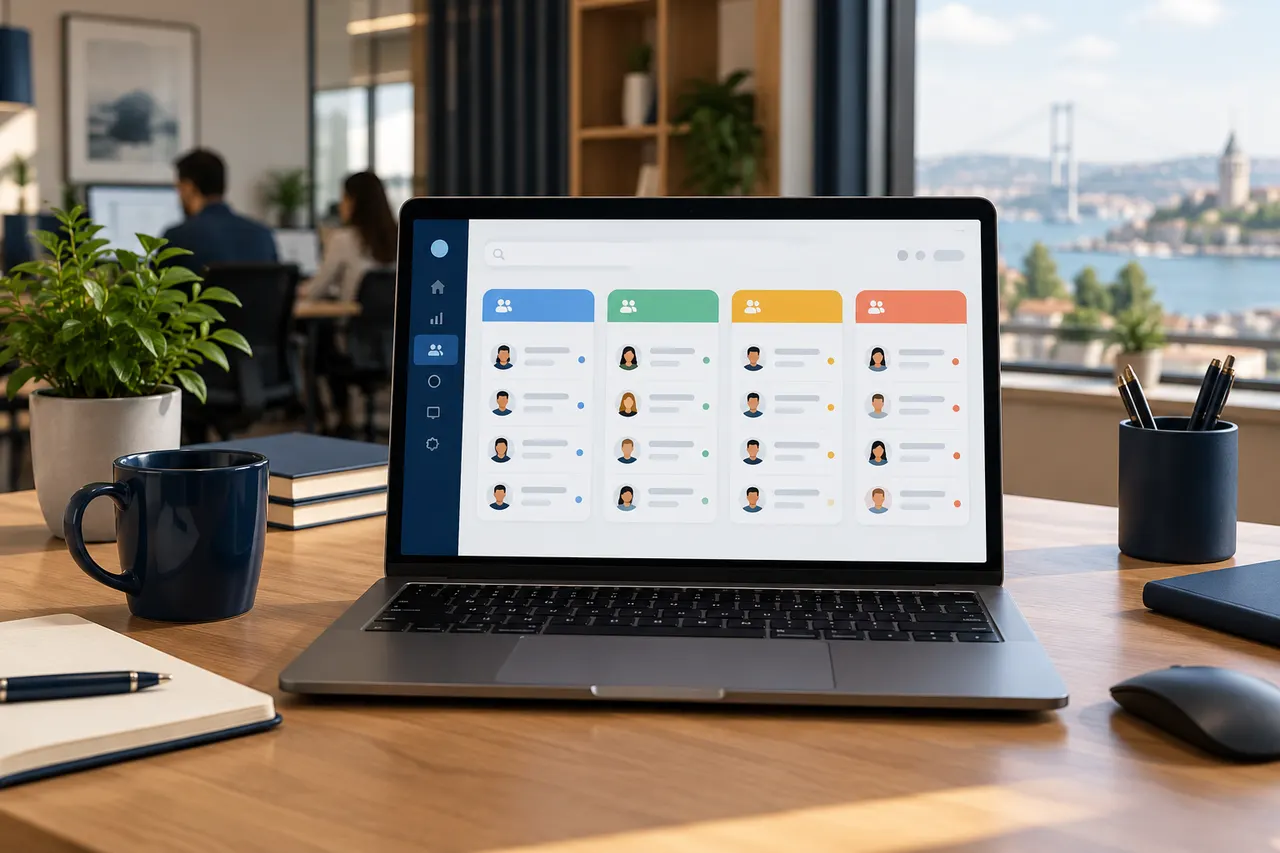
CRM customer segmentation is not about attaching as many labels as possible. Its purpose is to find records with a shared operational need and plan the next action. Useful groups help staff understand which customer needs attention and why.
1. Define the decision the group supports
Finding customers awaiting quotations, approaching maintenance or interested in a product are different goals. Write down the action each group should support. Avoid creating a label only because it looks useful in a report. If nobody knows what to do with the group, the need is not yet clear.
2. Separate sales stage from customer type
New enquiry, quotation and awaiting decision describe process stages. Dealer, institution and end user describe customer types. Mixing these in one field can complicate filtering. Confirm how fields and labels work in the existing CRM; interfaces and capabilities differ.
3. Specify objective membership conditions
Use verifiable conditions such as elapsed time since contact or an enquiry about a particular product. Avoid unnecessary sensitive or subjective labels about people. If a customer can belong to several groups, document that this is expected. Review contradictory classifications periodically.
4. Assign follow-up ownership and communication limits
Membership of a group does not automatically mean a message should be sent. Review conversation history, appropriate channels and the responsible staff member. Prevent two teams from sending the same offer to the same person on the same day. Verify automated-task or messaging capabilities separately.
5. Review a small sample of records
Manually check examples from each group against the defined conditions. Missing or outdated fields may create incorrect membership. Update unused labels through the authorised process. Evaluate follow-up outcomes and staff usability as well as the number of records in each group.
Design CRM fields around actual work
Share your sales process and follow-up needs with BE Soft to plan clear fields, customer groups and responsibilities.