A student appearing in the dashboard while a guardian receives no message does not necessarily mean recognition failed. Creating an attendance event and sending a notification are separate steps. Following that sequence helps avoid unnecessary photo changes or repeated sending attempts.
1. Find a completed entry event first
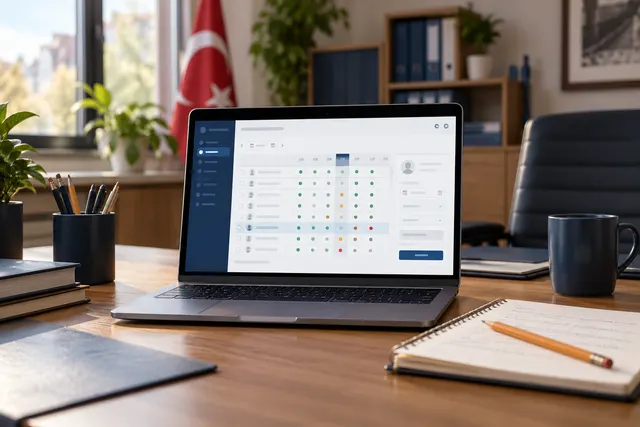
A name appearing on screen may not mean that an entry has been finalised. If confirmation mode is used, check that confirmation was completed. Locate the correct student, date and event type in the daily list. If no event exists, investigate recognition and confirmation before messaging.
2. Review the channel for that event
Entry, exit and lateness notifications may have different settings. Confirm the selected delivery channel. A guardian expecting WhatsApp may have an event configured for SMS only. Verify package or channel availability with support; general access to the system does not establish that sending succeeded.
3. Verify recipients through the authorised process
Review the number, country code and student relationship, including old or secondary recipients. Do not replace a guardian’s details arbitrarily with another number. Determine whether the issue affects one recipient or everybody on the same channel to narrow the investigation.
4. Distinguish sending statuses
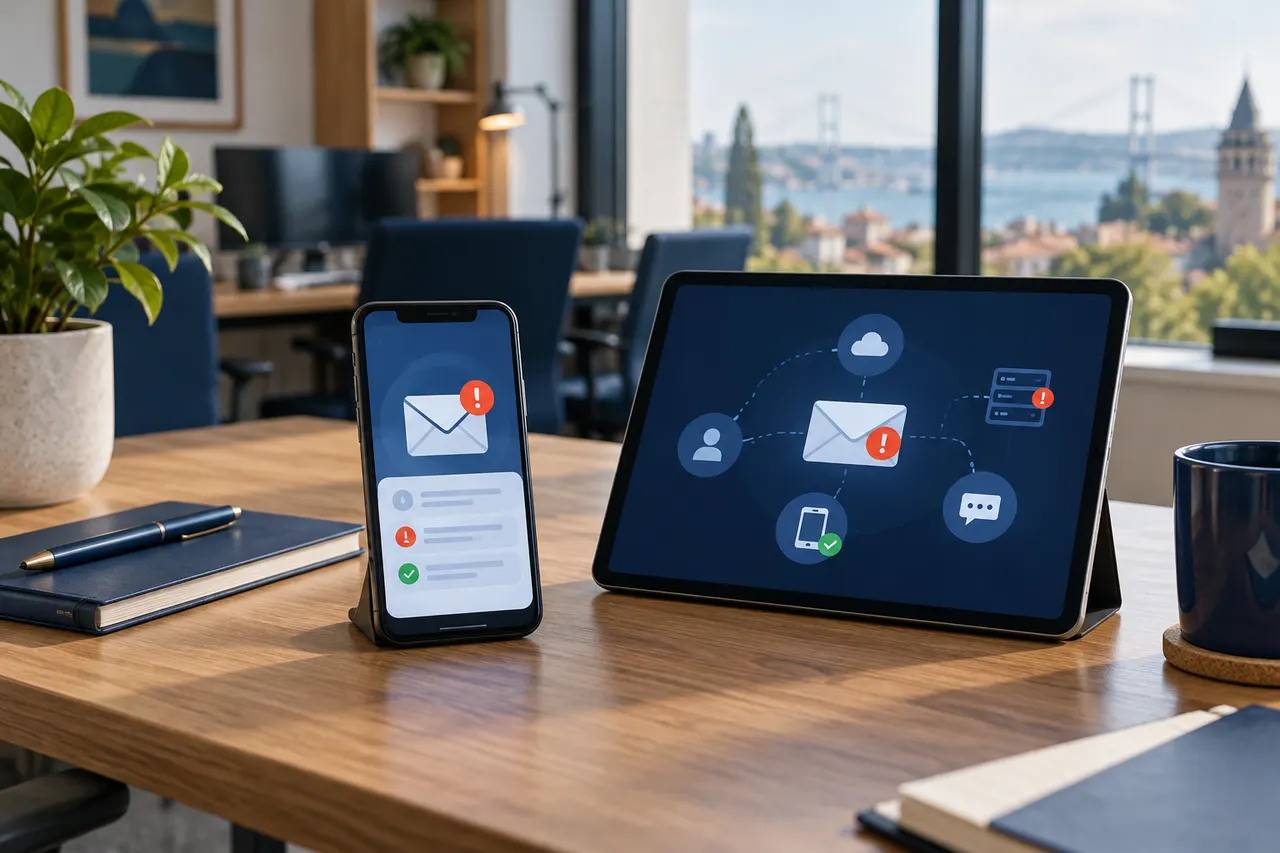
Queued, sent, failed and delivered may differ by channel. Establish what the displayed status actually means. Delivery does not guarantee that the message was read. Discuss connection interruptions or provider delays with the installation team rather than declaring a cause without evidence.
5. Use one controlled test and a clear support report
Try one example with an institution-controlled recipient. Repeating operations can later produce several messages. Include the event time, channel, displayed status and scope in the support report. Avoid unnecessary sharing of student lists, private numbers or photographs.
Investigate notifications at the right stage
Review event creation, channel settings and recipient checks separately with BE Soft support to identify the appropriate next action for your installation.