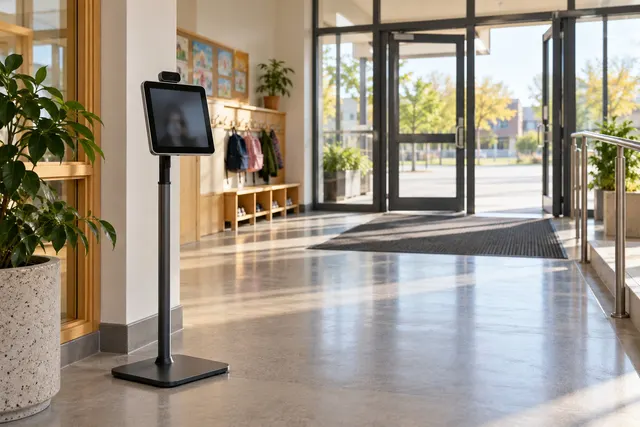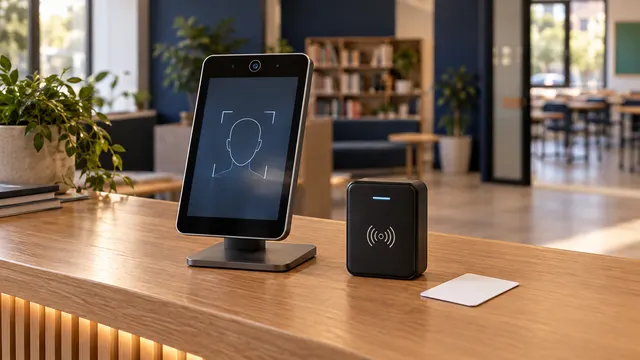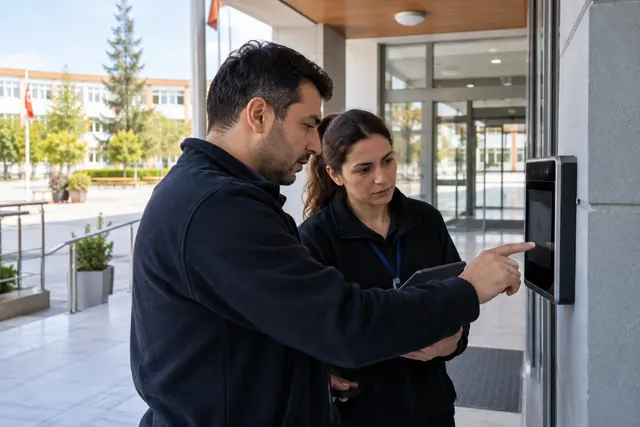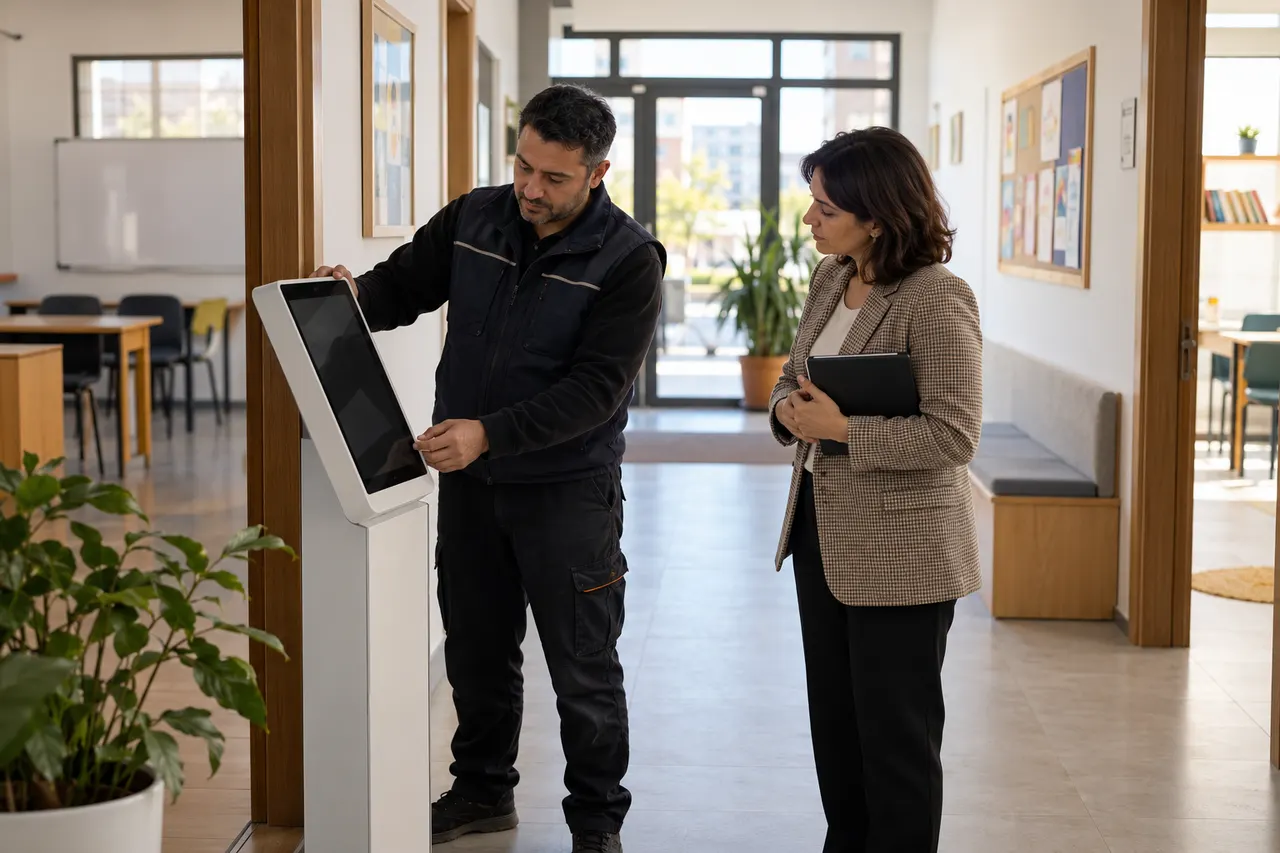
Moving a face recognition kiosk changes more than its location. Camera angle, approach distance, lighting, power and network access must be checked again. A successful startup does not prove that attendance events and notifications still work correctly.
A camera that previously faced a wall may now face a bright window. Conditions can also change between morning and afternoon. Treat relocation as an operational change with an owner, an acceptance check and a fallback plan.
Record the existing setup
Note the device model, connection type, responsible operator and planned move time. Agree with support which settings should remain unchanged. Do not put passwords in shared notes or messaging groups; use authorised accounts.
- Compare old and new lighting conditions.
- Review power, network and cable routes.
- Plan temporary attendance handling.
- Define who can approve reopening the kiosk.
- Keep a practical rollback plan.
Review camera position and queue behaviour together
Can users see where to stand? Does the next person enter the same frame? Can staff intervene without obstructing the entrance? Try authorised participants of different heights and avoid blocking access or emergency routes. Mounting and electrical work should be handled by suitable personnel.
Do not reduce recognition thresholds casually to compensate for a poor position. Review the physical setup and supported configuration first.
Retest the complete event chain
- Check normal approach with one person in view.
- Review different daylight conditions.
- Confirm that the correct attendance event is created.
- Verify notification using a controlled recipient.
- Check the institution's fallback for a connection outage.
Use personal data only within the institution's approved framework. Avoid unnecessary new biometric enrolment and accidental messages to live family contacts.
Compare like with like
Total recognition counts are not enough. Record footfall, retries, staff assistance and processing time separately. A small first-day sample is not a universal accuracy claim. If failures increase, identify the common condition before replacing every enrolment photo.
Apply changes one at a time so their effects remain visible. Bring a photo of the new entrance without people or private information to a BE Soft support discussion. Review related guides and confirm the acceptance process for your installation.
Frequently asked questions
Is startup enough to approve the move?
No. Verify camera quality, attendance records and notification delivery together.
Should thresholds be lowered after a move?
Do not make unauthorised threshold changes. Investigate physical conditions and supported configuration first.