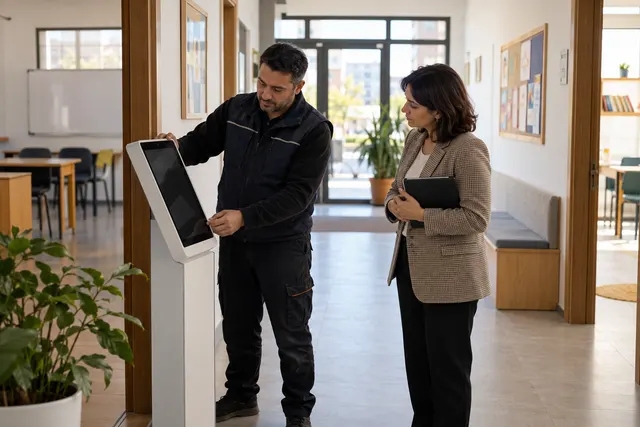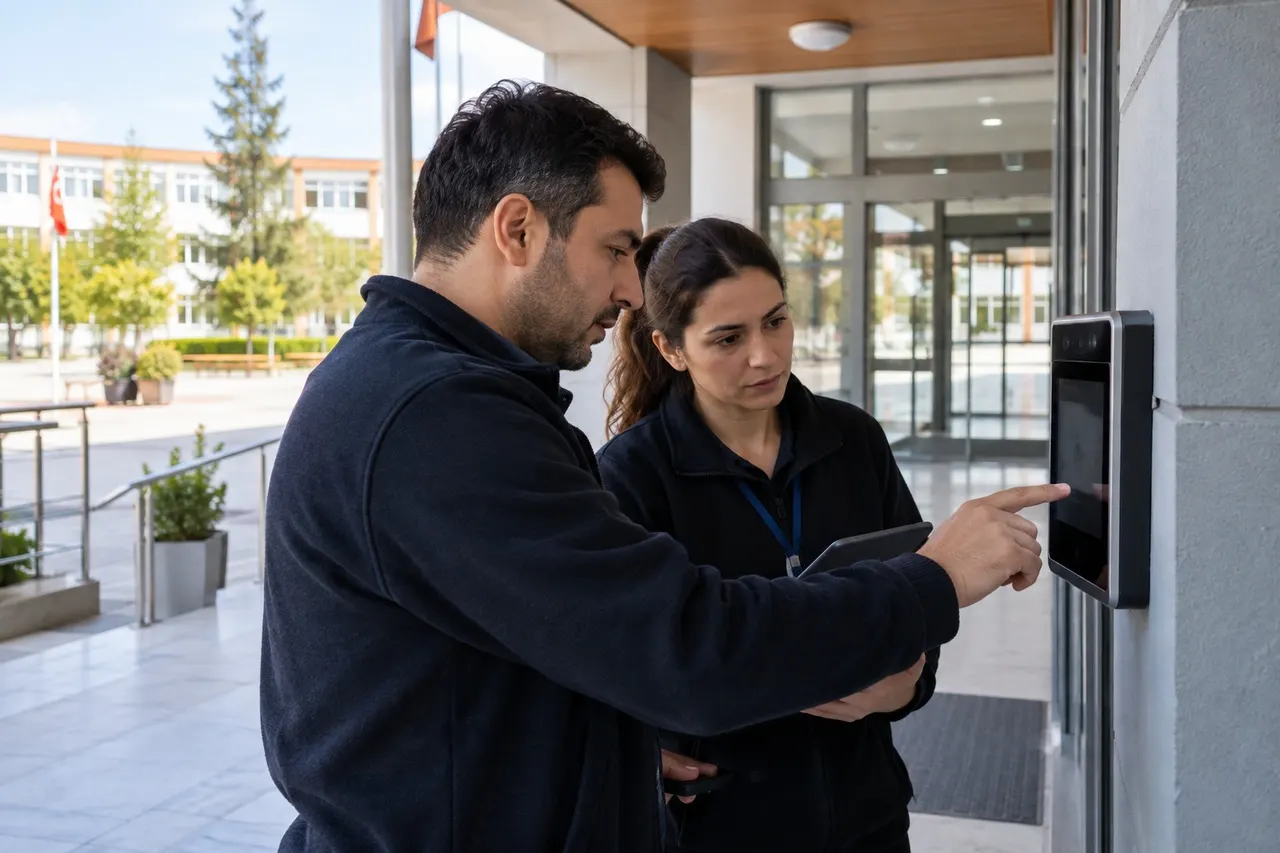
Opening the camera is not a complete acceptance test after a face recognition update. Check the whole chain: the correct identity, attendance event, parent notification and report entry.
A student may be recognised correctly while an event setting or notification preference behaves differently. A short controlled review helps identify such differences before the morning rush.
Record the baseline
Ask the provider what changed. Updates to recognition, the kiosk interface and notification delivery may need different checks. Record the institution's relevant settings:
- Entry and exit notification channels
- Day-specific start times
- Confirmation mode
- Device and camera arrangement
- Responsible staff and support contact
The technical team should clarify backup and recovery. A copied file is not proof that restoration works, and this guide does not imply that every installation has a one-click rollback.
Test the complete workflow
- Use an appropriate test account or approved volunteer.
- Check the displayed identity.
- If confirmation is enabled, verify that no event is created before approval.
- Check the event type and time.
- Use a designated notification recipient.
- Find the matching event in the panel.
Avoid repeated messages to real parents. Agree how test events will be identified in reports before starting. Do not lower recognition thresholds casually to make a test pass.
Include unsuccessful attempts
Review what staff see when an identity is incorrect, confirmation is declined or the image is unsuitable. A deliberate refusal to create an event is also a result worth checking.
BE Soft's optional confirmation workflow places approval before event creation and notification. Verify the configured behaviour in your institution rather than assuming an unconfirmed feature exists.
Report a useful difference
Record the device, date, action, expected result and actual result. Redact unnecessary personal details from screenshots. Do not involve students in repeated troubleshooting when a controlled reproduction is available.
Complete acceptance before returning to intensive use, and assign a staff observer for the first normal session.
Common questions
Is successful recognition enough?
No. Check the event, recipient and report as well.
Can test events affect attendance reports?
That depends on the installation. Agree how they are separated beforehand.
Discuss your acceptance plan through the BE Soft English website.