An attendance kiosk needs more than a capable camera. Students must be able to approach it comfortably, see the result and obtain help when needed. A position that works for one adult may require other users to stretch, bend or repeat the attempt.
This guide is a practical placement review, rather than an accessibility certification. Discuss individual requirements with the person concerned and assess the actual entrance before choosing hardware or a mounting position.
Review camera height with real users
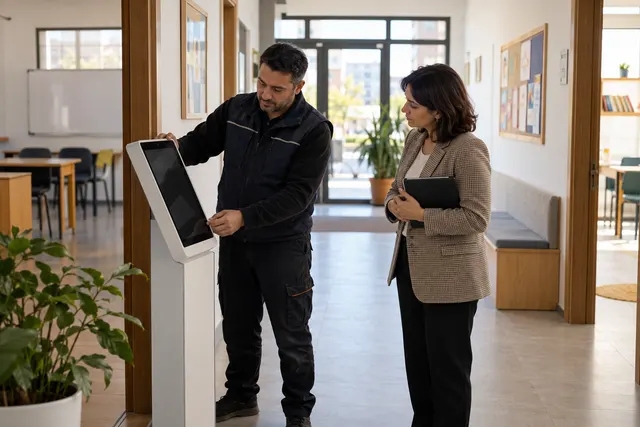
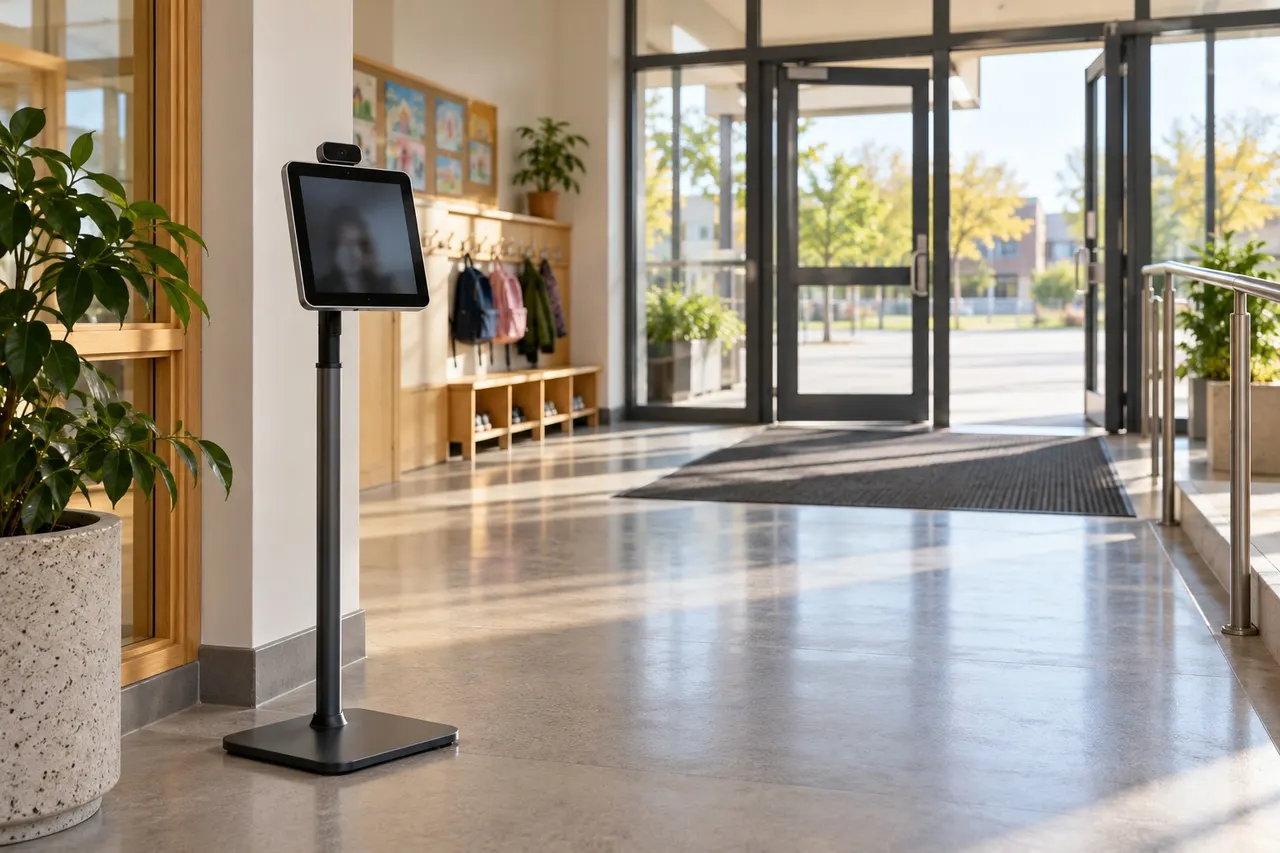
There is no single mounting height that fits every camera and entrance. Field of view, angle and approach distance all matter. With an appropriate institutional data process, include volunteers of different heights in the pilot. Record whether they can enter the frame without changing the device or adopting an uncomfortable posture.
If someone needs to stand on tiptoe, reconsider the placement. An adjustable stand, revised camera angle or a supported alternative may be more appropriate than asking the student to keep trying.
Keep the approach clear
- Check door swing and the stability of the stand.
- Keep cables out of walking routes.
- Review space for mobility aids and bags.
- Observe queues during the real morning rush.
- Limit unnecessary exposure of student details to bystanders.
A quiet corridor test does not show every problem. A queue can block the camera or force users too close to a door. Floor guidance should support movement without narrowing an emergency route.
Test confirmation as well as recognition
BE Soft offers an optional confirmation mode. If enabled, the student must be able to read the displayed identity and operate the confirmation control. Test glare at different times of day. Staff should know how to handle an incorrect name or an unanswered screen.
Do not confirm an identity casually on someone else's behalf. Follow the institution's verification procedure and provide a supported route when the normal interaction is unsuitable.
Record useful pilot observations
- Assistance needed to approach and enter the frame
- Difficulty reading or operating the screen
- Repeated attempts and their causes
- Staff intervention and its outcome
- Results after a placement adjustment
The aim is to improve the installation, rather than rank students by speed. Repeated difficulties across users suggest a setup issue. Placement reviews do not guarantee recognition accuracy; registration quality and real conditions still need testing.
Common questions
Will lowering the stand solve everything?
No. Camera angle, screen operation and clear approach space must be reviewed together.
What if a student cannot use the kiosk?
Agree a staff-assisted attendance route with the institution before the pilot begins.
Contact BE Soft through the English website to discuss an entrance layout and a suitable pilot.