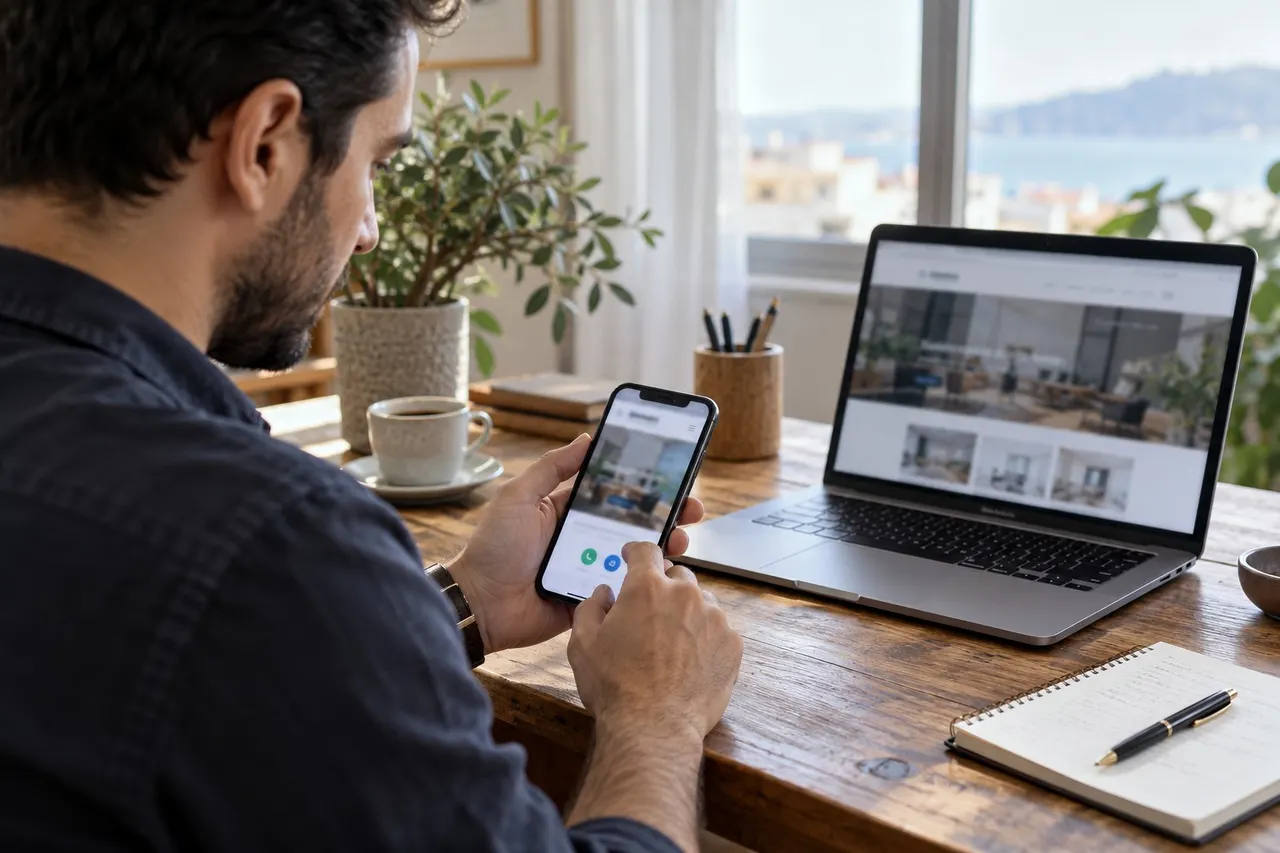
A visible phone or WhatsApp button does not prove that visitors can reach the right business. Check the destination, device behaviour and any prefilled message separately.
Start with the pages customers actually use. A small structured check is more useful than assuming every repeated icon has the same underlying link.
Inventory the contact locations
- Header phone link
- Fixed mobile contact button
- Contact page and footer
- Product or service enquiry buttons
- Translated versions
The displayed number and the link target can differ. Record each location independently, especially after a redesign or number change.
Review the phone destination
On mobile, check the number shown by the dialling interface before placing a call. You may not need to complete a call for an initial destination check. Internal call routing requires a separate authorised test.
A desktop operating system may offer a calling application instead. This alone is not a fault. Keep the number readable and copyable so the visitor has another practical route.
Review WhatsApp behaviour
Open the link and check that the intended business conversation appears. Review the country code, old numbers and prefilled text. A product button should not introduce a different product.
Avoid unnecessarily putting personal information into a link address. If an actual test message is needed, coordinate it with the business's designated recipient.
Keep a useful record
- Record the page and button position.
- Test mobile and desktop behaviour.
- Compare displayed and destination numbers.
- Read any prefilled message.
- Record the outcome and correction owner.
“Mobile button correct, footer uses previous number” is a better bug report than “WhatsApp broken”. It identifies the part that needs changing.
Do not confuse clicks with conversations
A click does not prove a message was sent or a sale completed. Treat the click, conversation and business outcome as distinct stages. Review contact forms alongside buttons when assessing the full enquiry journey.
Common questions
Is opening the button enough?
No. Verify the number and message.
Must desktop and mobile look identical?
No. They should provide the right destination and a clear alternative contact route.
Discuss your contact flow with BE Soft through the English website.