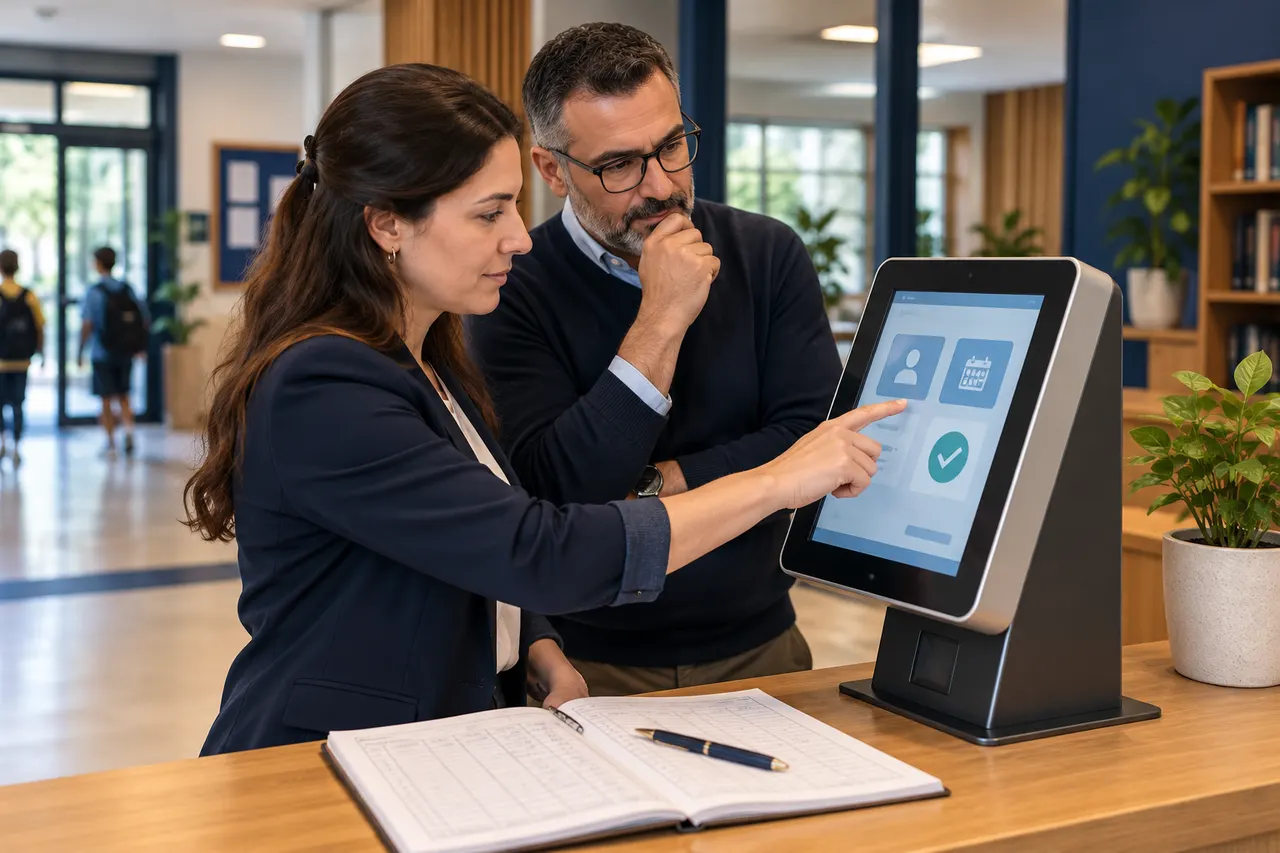
Moving to digital attendance is not complete when a tablet is installed at the entrance. Staff need to distinguish routine operations, exceptions and situations requiring support. Short practical training can become part of daily work instead of remaining a lengthy tour of screens.
1. Match training to responsibilities
Reception needs the daily workflow, managers need report checks, and authorised record owners need student and recipient updates. Define responsibility before training. Include backup staff who will cover absences. Not everybody needs to change every setting in the system.
2. Demonstrate one normal arrival
Use a test profile to show positioning, recognition, any confirmation step and verification of the resulting event. Then ask staff to repeat the process themselves. Use examples that do not send messages to actual guardians. Explain which screen confirms that the operation is complete.
3. Practise common exceptions
Prepare short scenarios for an unrecognised student, incorrect suggested name, missing photo, delayed message and forgotten exit. Clarify whether reception can resolve each case, should contact the record owner or needs technical support. Teach verification instead of guessing and creating an event.
4. Compare observations during the transition
For a short period chosen by the institution, compare staff observations with digital records. Investigate discrepancies instead of automatically attributing them to software. Use one authorised correction process. Define how long parallel checking will last and what validation will bring it to an end.
5. Provide a one-page operating note
Summarise opening checks, common exceptions, responsible contacts and useful support-report details. Do not include passwords or student photographs. After the first week, revisit steps that staff found difficult. Small updates based on actual questions make training easier to maintain.
Prepare a transition plan for your institution
Share staff responsibilities and existing attendance routines with BE Soft to plan hands-on training and first-week checks.