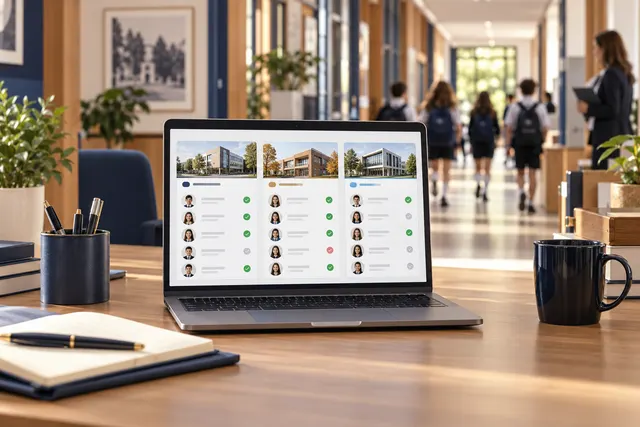
Tracking student arrivals and understanding staff attendance are different needs in an educational institution. A teacher may arrive in the morning one day and only for an afternoon study session the next. A useful plan should reflect actual schedules and exceptions.
1. Define expected working arrangements first
Document weekly schedules, work in other buildings and off-site assignments for each role. Applying one start time to everybody can produce misleading results. Distinguish lesson timetables from expected on-site presence and assign responsibility for recording schedule changes.
2. Clarify what an entry event establishes
An entrance record shows passage through that point; it does not independently establish teaching time or all work performed. Consider breaks, off-site duties and forgotten exits separately. Authorised staff should verify context before records are used for pay or performance decisions.
3. Separate staff and student workflows
Staff activity should not accidentally enter student lists or trigger guardian notifications. Discuss separate profiles, event rules and reports with the software team. Confirm what the current installation supports. Do not assume an unverified payroll or accounting integration is included.
4. Establish a route for missing-record explanations
Starting an assignment without passing the camera or forgetting to record an exit does not automatically establish absence from work. Define whom staff should contact and how corrections are reviewed. Keep the date, reason and responsible reviewer clear, distinguishing original events from verified explanations.
5. Validate with a small group
Run a one-week trial with staff on different schedules. Check entry, exit, off-site assignments and timetable changes. Review reports with the people involved to identify misinterpretations. Do not apply one rule across all staff before the examples produce consistent results.
Plan your staff workflow with BE Soft
Share staff groups and reporting expectations with BE Soft to clarify installation scope and prepare a controlled entry and exit process suited to your institution.