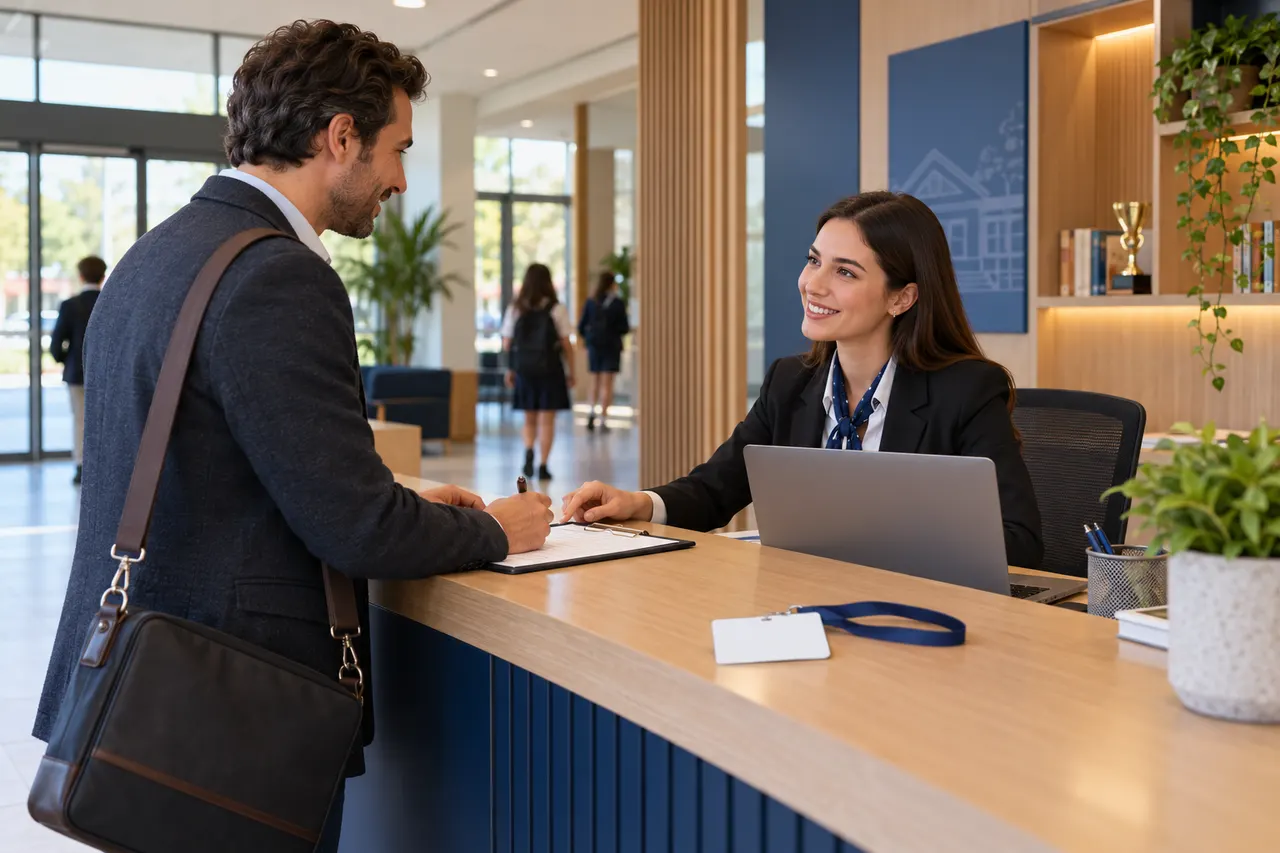
A guardian meeting, maintenance visit or admissions enquiry is different from a student arrival. Visitor tracking should clarify why a person has arrived and which staff member is responsible. Creating a student profile for every guest is not a suitable starting point.
1. Define a few practical visit categories
Start with guardian meetings, admissions, deliveries and technical service. Assign reception responsibility and the destination department for each. Treating a short delivery and a long meeting identically may create unnecessary waiting. Distinguish scheduled visits from walk-ins too.
2. Do not treat an unknown person as a student
A kiosk failing to recognise somebody does not mean a new student account is required. Reception should establish the purpose and contact the appropriate staff member. Assess whether visitor face registration is needed at all. A staff-assisted visitor log may meet the operational need more simply.
3. Keep only information needed for the visit
Choose fields such as host, reason, arrival time and status according to the workflow. Unnecessary documents or details make reception more cumbersome. Explain the purpose of each field to staff. Keep personal commentary separate from standard visit information and define access within the institution.
4. Avoid triggering student notifications
A guest arrival should not appear as a student entry or exit. A guardian coming for a meeting should not produce an event in the child’s name. Discuss any separate screen or operation needed with the software team. Verify visitor-module availability rather than assuming it exists.
5. Make completion of a visit clear
Define how a completed meeting is closed and who checks departure. Staff should review open visits at the end of the day. An open row alone does not prove that the person remains inside. Test several internal examples to confirm that reception staff understand the process.
Review your different entrance workflows
Share student, staff and visitor requirements with BE Soft to clarify which processes should remain separate and what software scope your institution needs.